
Crontab Generator
Generate and explain cron expressions.
Runs on your machine. Nothing you paste is uploaded.
Get Crontab Generator and 121 other tools. Free for 7 days, no account needed.
What it does
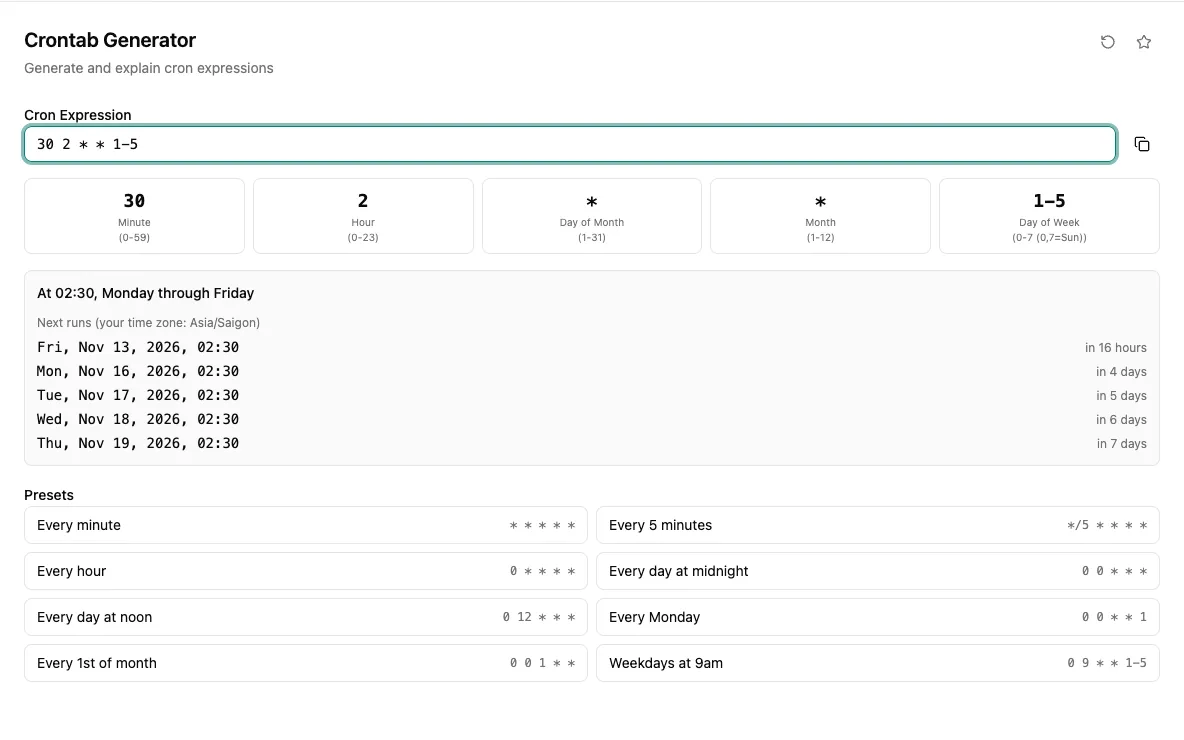
Type a five-field cron expression and see it split into minute, hour, day of month, month and day of week, each with its allowed range. A plain-language line explains what every field means, so you can check a schedule before it goes into a crontab file or CI config.
Presets cover the schedules people reach for most: every minute, every five minutes, hourly, midnight, noon, Mondays, the first of the month and 9 AM on weekdays. Click one to load it, then edit the fields from there. The expression copies with a single click.
When you would reach for it
- Double-check the schedule of a backup job before adding it to a server's crontab.
- Write the cron string for a scheduled GitHub Actions workflow or Kubernetes CronJob.
- Read an unfamiliar cron line in someone else's config and see what each field does.
- Start from a preset like weekdays at 9 AM and adjust the hour for a report job.
Also found by searching
- cron
- crontab
- schedule
- job
- timer
- periodic