
Hash Text & File Checksum
Hash text or files with MD5, SHA-1, SHA-256, SHA-384, SHA-512 and verify a checksum.
Runs on your machine. Nothing you paste is uploaded.
Get Hash Text & File Checksum and 121 other tools. Free for 7 days, no account needed.
What it does
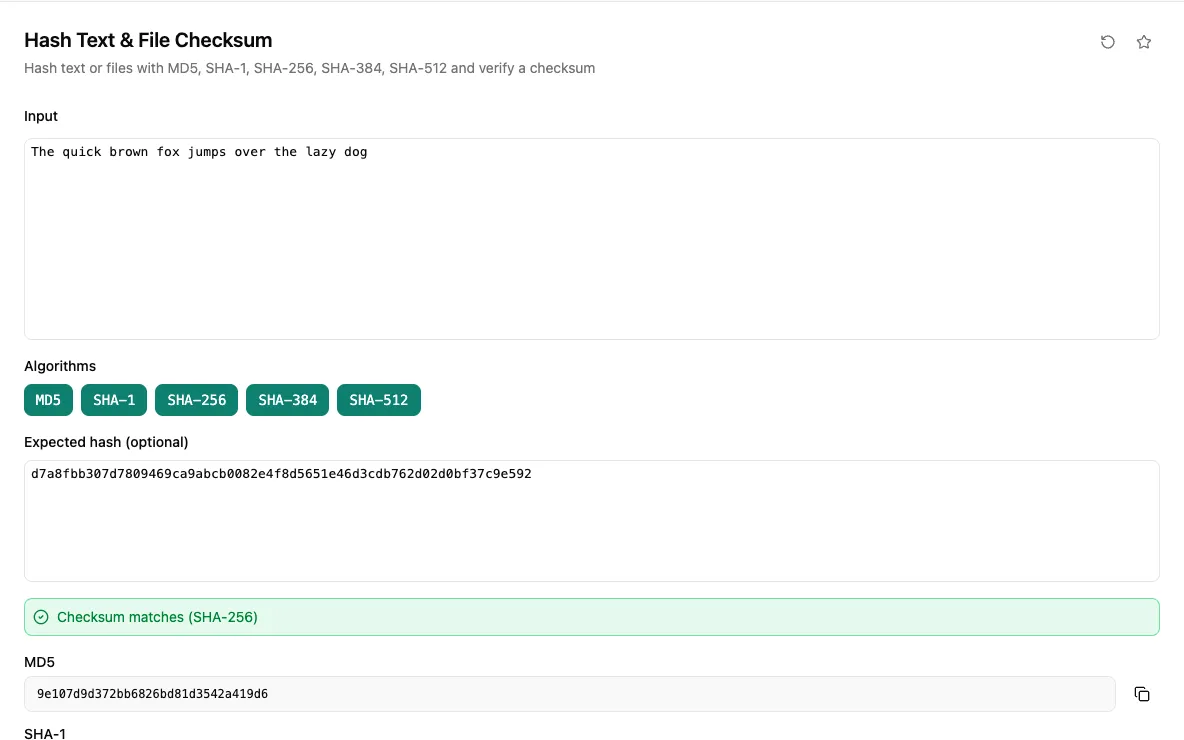
Type or paste text, or drop a file, and get its MD5, SHA-1, SHA-256, SHA-384 and SHA-512 digests side by side. Turn individual algorithms on or off, and copy any digest with one click. Hashes update as you type.
Paste an expected checksum to verify a download: a bare digest, a sha256: prefixed value or lines from a SHA256SUMS file all work, and the matching algorithm is detected from the length. In the desktop app, Choose file streams large files from disk with a progress bar instead of loading them into memory.
When you would reach for it
- Check that a downloaded ISO or release archive matches the published SHA-256 checksum.
- Compare file digests before and after a transfer to confirm nothing changed.
- Compute an MD5 or SHA-1 value to match against a legacy system or cache key.
- Hash a sample string to check the output of your own hashing code.
Also found by searching
- hash
- sha
- sha256
- md5
- digest
- checksum
- crypto
- file
- sha256sums
- verify
- integrity